- Home Page /
- Books /
- Computers & Technology /
- Operating Systems /
- Macintosh /
- Macintosh Terminal Pocket Guide: Take Command...

Item #:
4043342
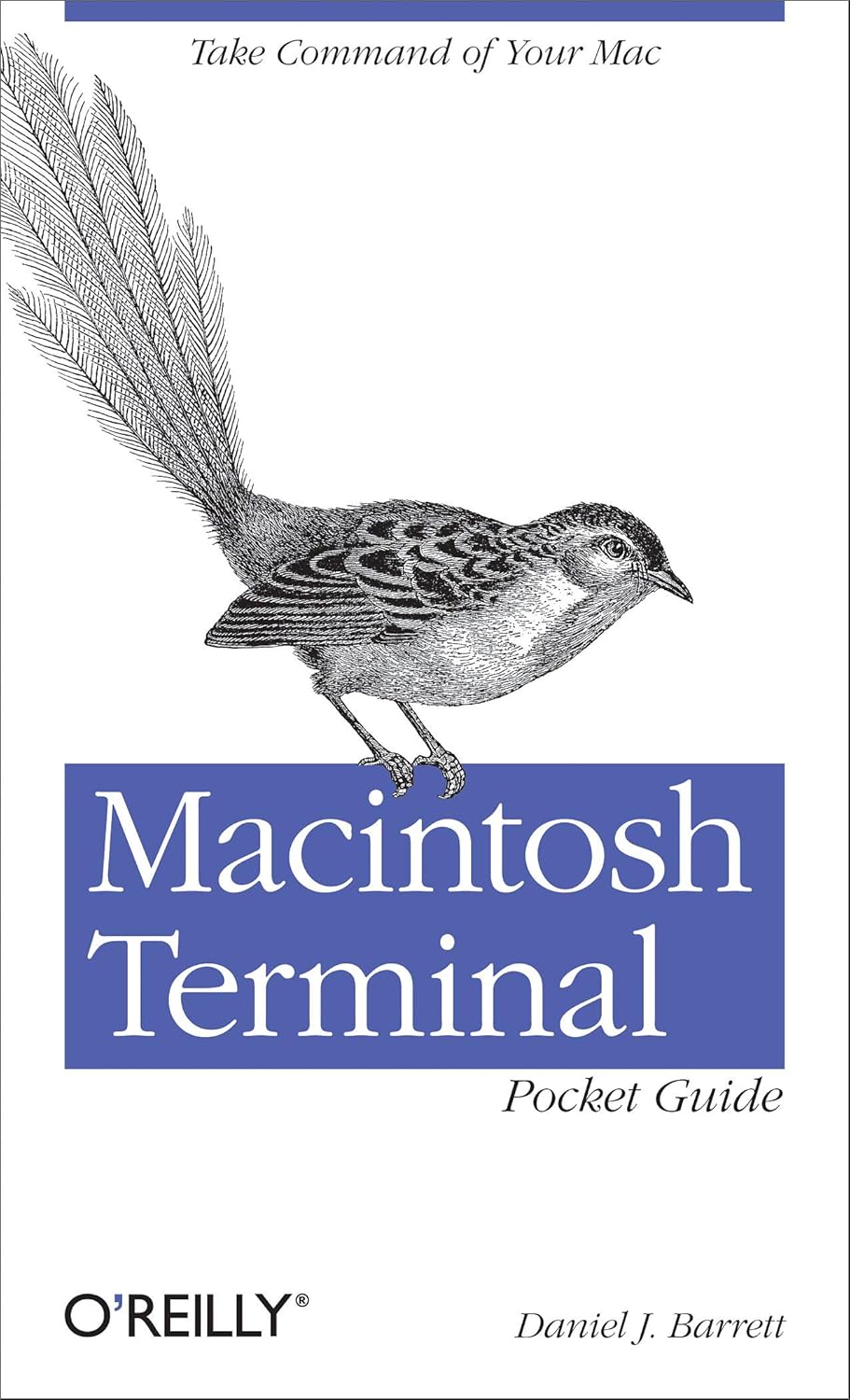
Macintosh Terminal Pocket Guide: Take Command of Your Mac 1st Edition
Item #:
4043342
€ 16
Price Details
Excluding Shipping & Custom charges ( Shipping and custom charges will be calculated on checkout )
*All items will import from US
52%
In stock
 Imported from USA store
QTY:
Only 2 items left in stock.
Order now and get it around Wednesday, June 24
Secured transaction
Ubuy works hard to protect your security and privacy. Our advanced payment security system ensures confidentiality by encrypting your information during transmission using AES (Advanced Encryption Standards) and SSL (Secure Socket Layer) protocols. Your payment details are 100% secure as we do not share your payment details with third party sellers.
Our Top Logistics Partners


Unlock the secrets of the Terminal and discover how this powerful tool solves problems the Finder can't handle.

Fast
Shipping

Free
Return*

Secure Packaging

100% Original Products

PCI DSS Compliance

ISO 27001 Certified


Note: Step Down Voltage Transformer required for using electronics products of US store (110-120). Recommended power converters Buy Now.


What Stands Out
Comprehensive Resource
This guide offers exhaustive coverage of commands and functions, empowering users to maximize their productivity by efficiently navigating and controlling their Mac through the Terminal.
User-Friendly Format
Designed for all skill levels, this pocket guide breaks down complex concepts into easy-to-digest sections, making it accessible for beginners while still valuable for seasoned users seeking quick reference.
Practical Examples
Includes real-world scenarios and commands, allowing users to apply their knowledge immediately, enhancing learning and ensuring they can tackle everyday tasks directly through the Terminal.
Product Details
- Unlock the secrets of the Terminal and discover how this powerful tool solves problems the Finder can't handle. With this handy guide, you'll learn commands for a variety of tasks, such as killing programs that refuse to quit, renaming a large batch of files in seconds, or running jobs in the background while you do other work. Get started with an easy-to-understand overview of the Terminal and its partner, the shell. Then dive into commands neatly arranged into two dozen categories, including directory operations, file comparisons, and network connections. Each command includes a concise description of its purpose and features. Log into your Mac from remote locations Search and modify files in powerful ways Schedule jobs for particular days and times Let several people use one Mac at the same time Compress and uncompress files in a variety of formats View and manipulate Mac OS X processes Combine multiple commands to perform complex operations Download and install additional commands from the Internet
| Publisher | O'Reilly Media |
| Publication date | July 31, 2012 |
| Edition | 1st |
| Language | English |
| Print length | 227 pages |
| ISBN-10 | 9781449328344 |
| ISBN-13 | 978-1449328344 |
| Item Weight | 2.31 pounds (1.05 kg) |
| Dimensions | 4.25 x 0.61 x 7 inches (10.8 x 1.5 x 17.8 cm) |
Who Should Buy?

-
Beginner Users
Ideal for those new to Mac, providing easy-to-understand commands and concepts for navigating the terminal.
-
Tech Enthusiasts
Great for users looking to enhance their skills and utilize advanced features of the Mac terminal effectively.
-
Developers
Useful for programmers needing quick references for commands and terminal usage to streamline development processes.

-
Casual Users
Not suitable for users who do not plan to engage with terminal commands, as it may be unnecessary.
-
Complete Beginners
May not benefit those with no technical background or interest in command-line interfaces at all.
-
Visual Learners
Individuals who prefer visual guides or tutorials might find the text-heavy format less engaging or helpful.
Product Description
About This Item
Introducing the Macintosh Terminal Pocket Guide: Take Command of Your Mac 1st Edition, a comprehensive resource for Mac command line instructions and a must-have Macintosh user guide for beginners and advanced users alike. This pocket-sized guide is your go-to reference for Macintosh terminal basics, with a comprehensive list of Macintosh terminal commands and a handy cheat sheet for quick and easy access. Whether you're a seasoned Mac user or just getting started, this Macintosh terminal guide empowers you to unlock the full potential of your Mac with confidence.
Get command of your Macintosh today with the Macintosh Terminal Pocket Guide.
Have any Query? Chat with us
Customer Questions & Answers
-
Question:
What topics are covered in the Macintosh Terminal Pocket Guide?
Answer: The Macintosh Terminal Pocket Guide delves into a range of topics including terminal commands, shell scripting, and file management. It explains essential commands useful for both novice and seasoned users. This guide is ideal for anyone looking to enhance their command line skills, automate tasks, and better manage system processes on their Mac. For instance, if you want to efficiently navigate directories or execute batch commands, this guide provides practical examples and explanations. -
Question:
Is the Macintosh Terminal Pocket Guide suitable for beginners?
Answer: Absolutely! The guide is designed to cater to users with varying levels of expertise. Beginners benefit from clear explanations of basic commands and an introduction to the terminal's functionality. Even if you're entirely new to Mac OS, you will find this resource incredibly useful for gaining confidence in command line usage. Many users have successfully moved from basic operations to more advanced scripting after utilizing the information provided in the guide. -
Question:
How can I improve my command-line skills using this guide?
Answer: By actively engaging with the examples and exercises outlined in the Macintosh Terminal Pocket Guide, you can significantly enhance your command-line skills. The guide provides practical tasks that encourage you to apply what you’ve learned in real situations, such as scripting repetitive tasks or troubleshooting common issues. Regular practice with these real-world applications will help reinforce your understanding and proficiency over time. -
Question:
Can the Macintosh Terminal Pocket Guide help with troubleshooting?
Answer: Yes, the guide includes tips and commands specifically aimed at troubleshooting common issues within the Mac environment. By learning how to use terminal commands for diagnostics, you’ll be better equipped to identify and resolve problems efficiently. For example, if you encounter system errors or need to manage disk space, the guide explains commands that help you access relevant system information and logs. -
Question:
Does the guide include examples for automation?
Answer: Indeed, the Macintosh Terminal Pocket Guide covers automation through shell scripting examples. It demonstrates how to write scripts that can automate repetitive tasks on your Mac, saving you time and effort. For users who frequently perform similar operations, learning these automations can drastically improve workflow efficiency. The guide elucidates scenarios where automation can be applied, making it relatable and practical. -
Question:
What is the best way to read and use the guide?
Answer: The best approach to using the Macintosh Terminal Pocket Guide is to first familiarize yourself with the table of contents and prioritize sections that align with your immediate needs. Reading actively while practicing commands in the terminal will solidify your learning. Incorporating the guide into your daily tasks fosters a hands-on understanding that enhances retention of the material. -
Question:
Are there any prerequisites for using the Macintosh Terminal Pocket Guide?
Answer: While there are no strict prerequisites, a basic understanding of computer operations will be beneficial. Familiarity with Mac OS environment and general computing will help you better grasp the content. If you have never used a command line before, don’t worry—this guide starts from the fundamentals and builds your knowledge progressively. -
Question:
Is the guide updated for the latest Mac OS version?
Answer: The Macintosh Terminal Pocket Guide is relevant to the latest Mac OS versions, including all standard terminal commands and features. It reflects current practices within the Mac ecosystem, ensuring users can apply the guidance effectively to their modern setups. As the Mac OS evolves, core terminal concepts remain significant, and this guide aligns with those enduring tools so you remain effective, no matter the version. -
Question:
Who would benefit the most from this guide?
Answer: Professionals, students, and tech enthusiasts can greatly benefit from the Macintosh Terminal Pocket Guide. It’s particularly useful for software developers, system administrators, and users looking to delve deeper into their Mac systems. Whether you want to improve your efficiency in a tech job or simply wish to explore your Mac’s potential, the guide serves as a valuable resource. -
Question:
Where can I buy the Macintosh Terminal Pocket Guide: Take Command of Your Mac 1st Edition?
Answer: You can purchase the Macintosh Terminal Pocket Guide: Take Command of Your Mac 1st Edition from Ubuy in Slovenia. Ubuy offers a seamless shopping experience with plenty of options for acquiring this essential guide tailored for Mac users. With convenient navigation, you can easily find and order the book, giving you access to elevate your command-line skills.
Macintosh Editorial Review


The *Macintosh Terminal Pocket Guide: Take Command of Your Mac* has garnered a positive reception from users, particularly among those who are new to the Mac operating system or looking to deepen their understanding of its Unix foundations. Many reviewers appreciate the book's accessibility and practical approach; it is lauded for its clear layout, well-organized content, and the effective use of typefaces and shading, which enhances readability. Users feel that the guide serves as a valuable introduction to Unix commands, making the terminal less intimidating for those who might have previously been hesitant to explore its capabilities. The author, Daniel Barrett, is praised for his engaging writing style and the practical tips he provides, such as modifying commands for safety. Reviewers have noted that while the book may not encompass every command or detail a user might want, it effectively covers essential information and is a handy resource for both beginners and more seasoned users looking to work more efficiently. Many found it particularly useful as a quick reference tool and some users even opted to purchase both the e-book and print editions for convenience. The guide has not only helped users feel more at ease with performing tasks via the command line, but it has also shown them how to accomplish tasks more swiftly than through conventional graphical user interface (GUI) methods. Overall, the *Macintosh Terminal Pocket Guide* is recommended for anyone who wants to learn about or improve their terminal skills on a Mac, making it a solid addition to an admin's toolkit or a beginner's library. **
Customer Reviews & Ratings
164 customers ratings
-
5 Star
68%
-
4 Star
24%
-
3 Star
4%
-
2 Star
2%
-
1 Star
2%
Review this product
Share your thoughts with other customers
Pros
- Clear and accessible writing style
- Practical tips and best practices
- Well-organized layout with good readability
- Useful for both beginners and advanced users
- Effective as a quick reference guide
- Helps users explore the terminal without fear of damaging the system
Cons
- Not as comprehensive as some users may desire
Product Price History
Important information
- Limitations : For products shipped internationally, please note that any manufacturer warranty may not be valid; manufacturer service options may not be available; product manuals, instructions, and safety warnings may not be in destination country languages; the products (and accompanying materials) may not be designed in accordance with destination country standards, specifications, and labeling requirements; and the products may not conform to destination country voltage and other electrical standards (requiring use of an adapter or converter if appropriate). The recipient is responsible for assuring that the product can be lawfully imported to the destination country. When ordering from Ubuy or its affiliates, the recipient is the importer of record and must comply with all laws and regulations of the destination country.
- Not all the products listed on Ubuy are for sale, as Ubuy is a global search engine. Products are subject to export/trade regulations.
€ 16
Order now and get it around Wednesday, June 24
This item is not restrict in my country.(Please click on above link if this item is not restrict in your country, So our team will review and allow.)
QTY:
Only 2 items left in stock.
Secured transaction
Ubuy works hard to protect your security and privacy. Our advanced payment security system ensures confidentiality by encrypting your information during transmission using AES (Advanced Encryption Standards) and SSL (Secure Socket Layer) protocols. Your payment details are 100% secure as we do not share your payment details with third party sellers.
Our Top Logistics Partners
Fastest cross-border delivery
Features & Benefits
- Learn commands for a variety of tasks
- Log into your Mac from remote locations
- Search and modify files in powerful ways
- Schedule jobs for particular days and times
- Combine multiple commands to perform complex operations
- Download and install additional commands from the Internet